
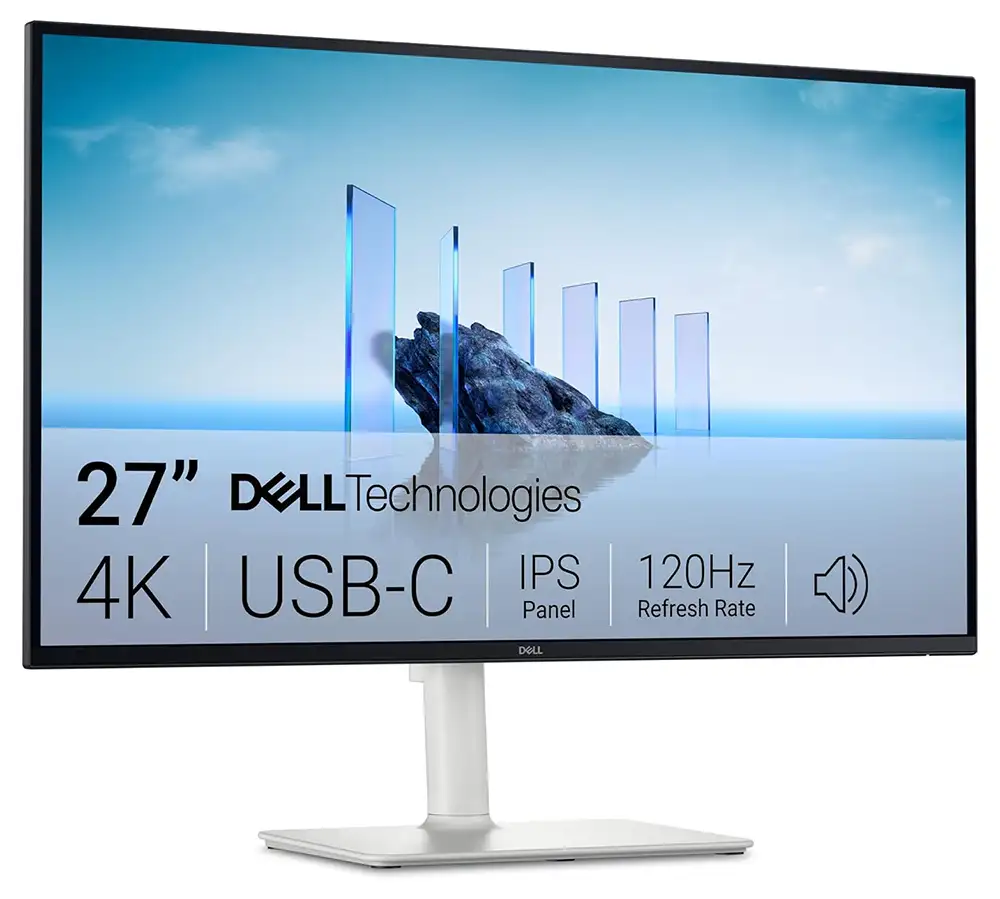
Manufacturer: Dell
This isn’t going to be a super technical review, and most of the pictures are just product brochures and not original. It’s more experiential.
Some background:
I was coming from an almost 7 year old 27″ iMac. They don’t make 27″ iMacs anymore and the Apple display at $1500 was way too steep form me. I had an earlier version of an Apple Cinema Display, and it was great but I paid the Apple tax and it crapped out after maybe 3 years, which was way too soon. I didn’t have Apple Care on it because I expected it to last as long as any other monitor I’d ever used ion my life… basically well after the computer stopped being useful.
5k monitors are still really spendy unless you go with a generic Chinese brand with no track record that may or may not be around next year. How speedy? In the neighborhood of what that original 7 year old 5k iMac cost… What’s an underemployed designer/programmer/blogger/skate historian to do? Reddit is overflowing with Mac users in the same position, either older 5k iMac users who upgraded or new Mac mini users looking for an affordable alternative to Apple’s Studio Displays. I head good things about his particular Dell model so aft a bit of research and a lotto hemming and hawing, I pulled the trigger on it. I decided to go with the more expensive S2725QC because it came with USBC in place of the Display Port option on the S2725QS. I’m not sure why it cost almost $100 more but I’ll be damned if I’m going to breathe life into Display port, or buy more adapters and dongles than I need to.
I’m not gamer, I could care less about frame rates or curved screens. I’m in some combination of Photoshop, Illustrator, email, text editor for coding, and multiple browsers and tabs all day long.
The Positive.
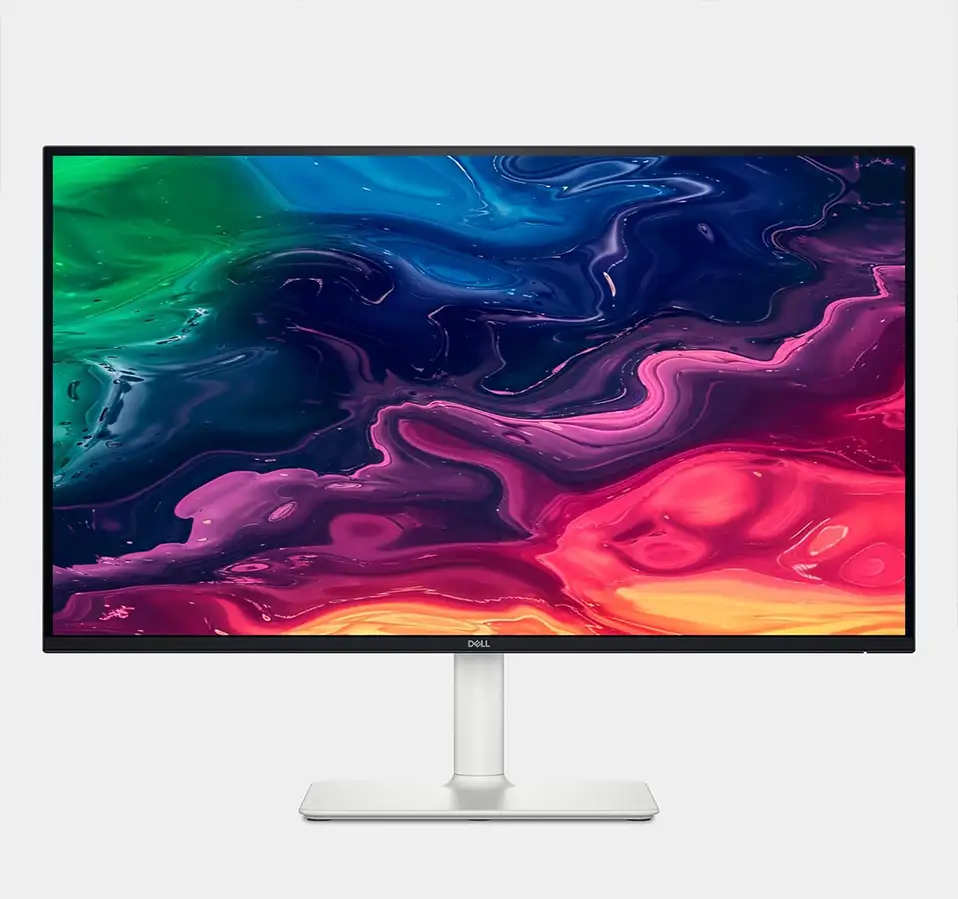
How does it look? Not too shabby at all. I would have preferred aluminum color over matte white plastic, but I also love a 2001 Space Odyssey aesthetic. Looks pretty nice actually. Sleek and not awkwardly “futurstic.” A lot f Dell stuff can scream “OFFICE COMPUTER,” and this one does not.
I forgot to mention, speakers were on the checklist. Replacing the built in functionality of an iMac is a PITA. There are monitors with speakers, but adding a web cam and microphone jumps unto another expense level and pretty soon you’re contemplating 5k monitors. This one does have a built in USB C and A downstream in addition to the upstream to connect to the computer, and provide power to a laptop if you’re using it.
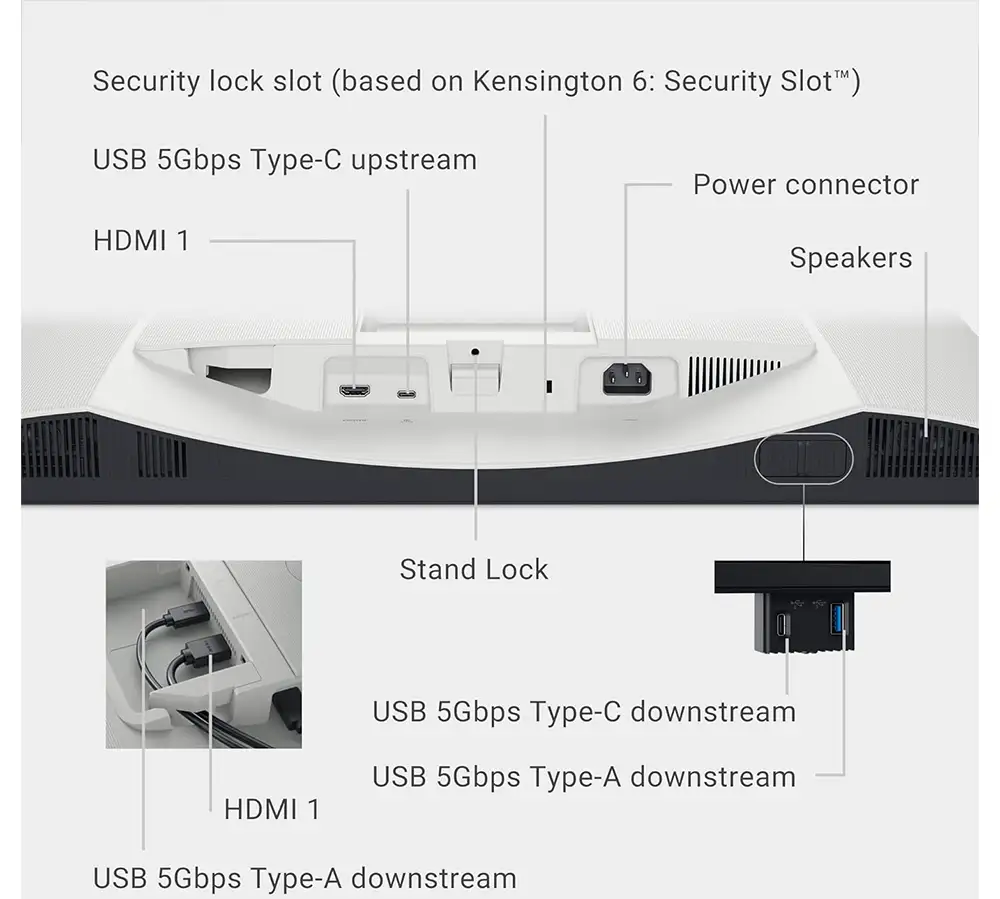
I was pleasantly surprised by the cable routing.
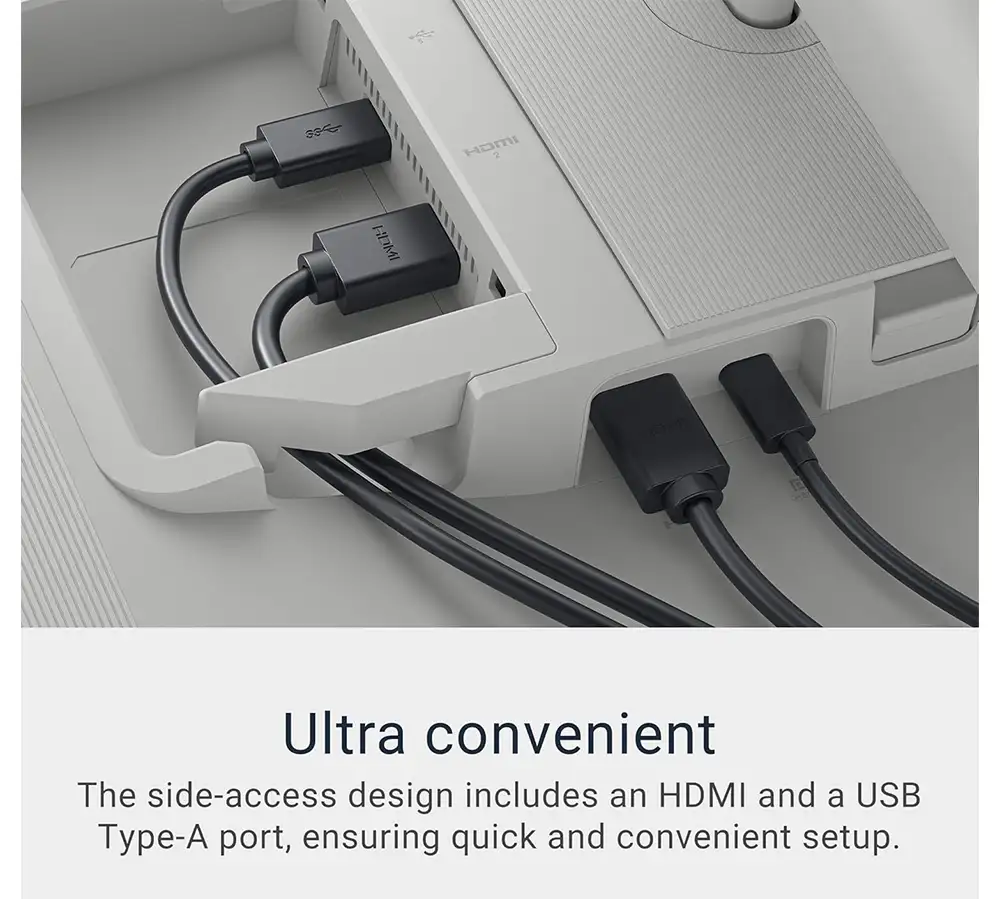
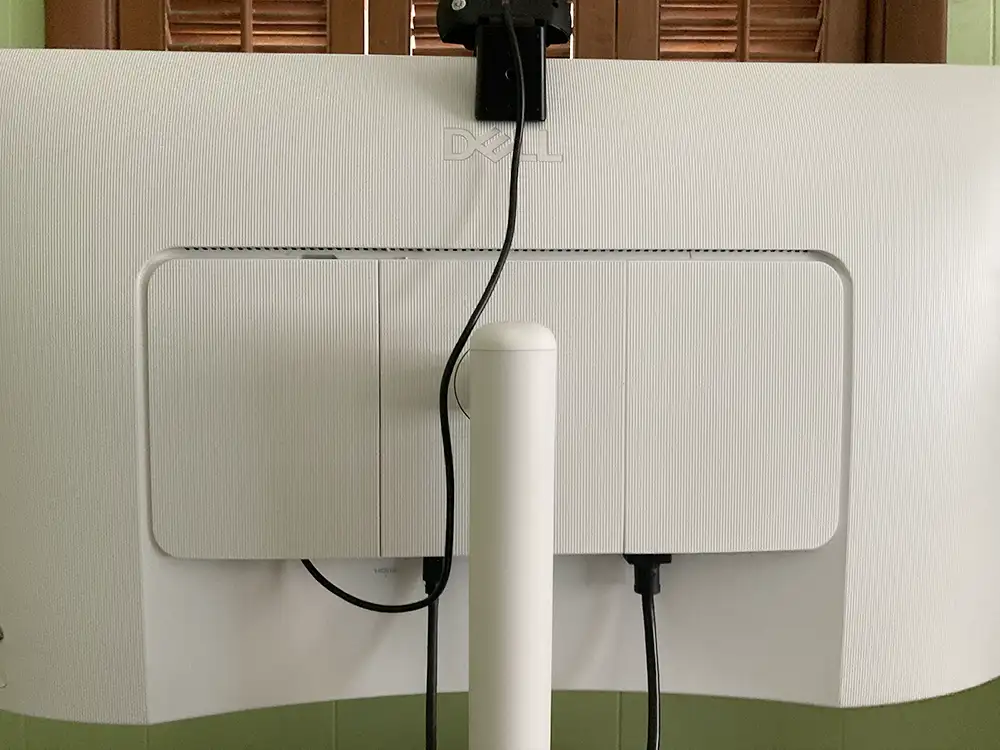
And here is the only bespoke picture for this review. I have a webcam with an insanely long usb cable plugged in. The back left cover pops off and provides ample space to coil up that USB cable and keep it from falling on the desk and getting otherwise tangled. Not shown, there is a ring at the base of the stand in the back for passing your cables through.
And here is the only bespoke picture for this review. I have a webcam with an insanely long usb cable plugged in. The back left cover pops off and provides ample space to coil up that USB cable and keep it from falling on the desk and getting otherwise tangled. Not shown, there is a ring at the base of the stand in the back for passing your cables through.
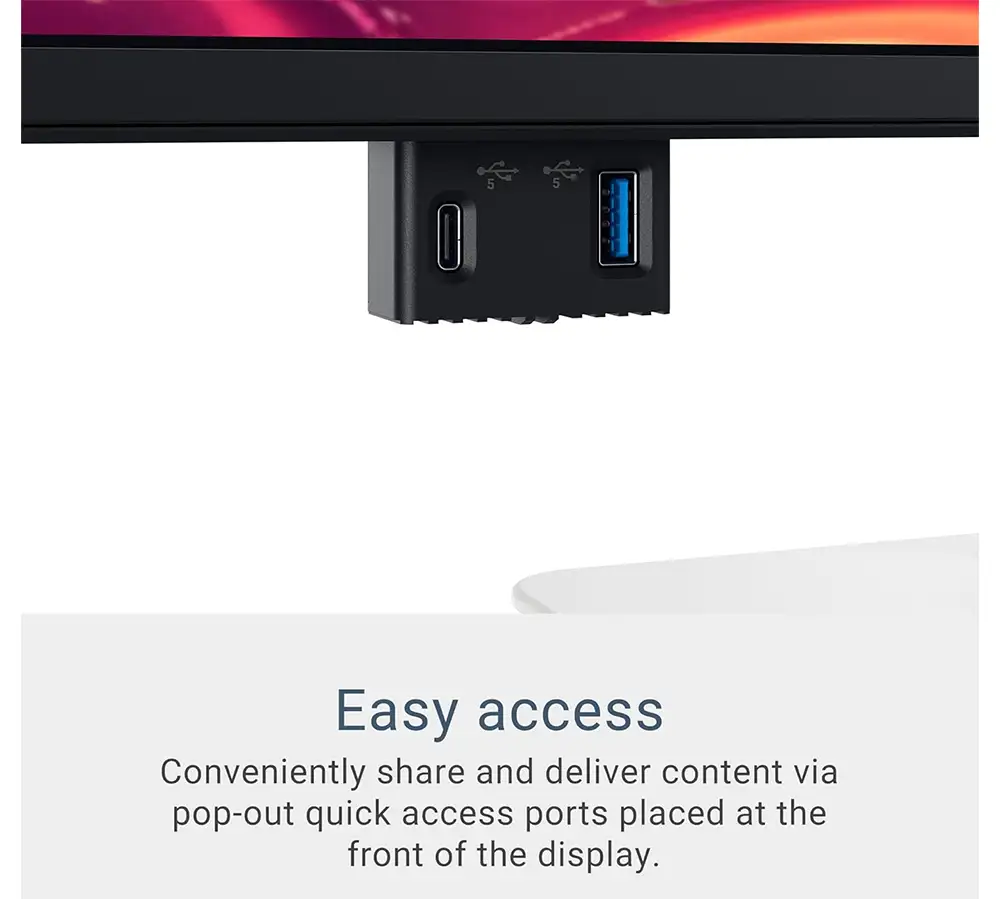
The display can swivel or pan, and the height can be adjusted. It does have a VESA mount if you have your own stand or mounting arm. Check out this nifty feature, The downstream USB A and C connectors live in their little pod that you press up and it slides down. This is nice because the ports are hidden when you aren’t using them, but are easily accessible when you do need them.
What else? The contrast ratio is good compared to other monitors in the same price neighborhood. You can rotate the screen to portrait mode if you want. Who does that?
How did it do?
After setting it up I was initially excited, you know, new toy! I had to fiddle with it a bit to find the best display settings. It will go up to 3840 x 2160, but the setting you want is 2560 x 1440. if your’ looking to mimic the 2017 iMac as close as possible. Sure, it’s 7 years old, go ahead laugh, but that was the first consumer 5k computer monitor, and was an amazing bargain considering it also came with a computer.
However, after a couple days of using it, I was really bummed out. It’s just wasn’t as sharp as the old iMac, which makes sense, because it’s only 4k. The whole thing just kind of felt sub-par to me, it’ was’s hard to describe. I decided to grit my teeth and bear with it in hopes that I would eventually get used to it, and I did. I no longer get depressed when I wake up the machine and screen comes on. I was worried about the pixel ration being different and somehow disrupting my work flow because I make an ungodly amount of screen captures most days, and use them to compare web layouts to see what’s not working and what needs to be adjusted. I got used to my Retina display and the fact that a screen capture would actually produce 2x the actual pixels you think you’re looking at. Would it be screwy on this monitor? No, it’s just fine.
The not-so good.
It looks good, but does not feel like a monitor that costs over $300 should. It’s wobbly as heck. Must be the plastic they used instead of metal for the stand and case. It might be partially due to the fact that you can rotate the monitor into portrait orientation, either clockwise or counterclockwise, and there is no stop or tactile indicator of where the landscape mode should rest. You basically have to eyeball it. It’s not loose, by any means, but rotating it definitely gives some audible creaking and is a reminder of the cheap build quality.
The USB ports that so cleverly slide in and out of sight have all the tactile confidence of a McDonald’s happy meal toy. I don’t expect those to be working in the years to come, maybe I’ll be surprised, but every time I go to use them I wince a little. The USB A port can be really hard to seat a cable correctly.
Let’s talk about the speakers. They are mediocre-to-poor at best. I was playing a music video and my wife chimed in from the adjacent, open room to ask why everything sounded so tinny. My new laptop crazy small speakers that sound 100 times better than the Dell. Sure the laptop is 7x the cost of the monitor, but it’s also got its own monitor and really good speakers in it. Is it expensive to design speakers that perform well? Maybe, but Dell could have certainly put more effort into than they did.
Sound quality issue has nothing to do with volume. In fact the monitor is capable getting very loud, in fact too loud. With the monitor connected via USB C, audio is routed to the monitor as well, and the computer volume controls become inactive, forcing you to reach for the button behind the bottom right corner of the monitor to adjust your sound. That is not a tenable solution. The minimal setting for the monitor is loud. I typically have the monitor volume set at 3% or less. Occasionally I have to turn it up for a YouTube video that has muddy vocals, but I almost immediately have to turn it back down. I installed a 3rd party utility that lets me control sound through my computer. I thought that might help, but it’s basically using some sort of interface built in to monitor, and my volume abutments feel like using a tweezer.
The height on this monitor can be adjusted from insanely low to not-quite-tall enough. I have the monitor set at the tables height and still have to use a riser to get it so bye eye hits the center of the screen when my gaze is perpendicular.
The final grade?
I’ve been using it for a couple months now and I’ve slowly gotten used to it. At this point the volume issue and the poor quality of the speakers are the biggest gripes I still have. It’s probably one of the best 4k monitors you’re going to get for the price though. I’d give it a C+ or a B– depending on the importance of what I’m listening to on a given day. Sure , it’s monitor, primarily for looking at, but if you’re going to include speakers, they should sound like they were made in 2026 and not 1996.